How to Draw and Annotate Live While Recording

Mark up your screen as you talk — circle a chart, drop an arrow, highlight a line — without pausing the recording or reaching for a separate tool.
Narrating over a screen recording and hoping the viewer is looking in the right spot is a common failure mode. Doculigent's on-screen drawing tool fixes it by letting you mark up whatever's on screen in real time — circle a number, point an arrow at a button, highlight a line — without stopping the capture.
The toolbar covers the essentials: pen, line, arrow, circle, and rectangle, each with its own color and stroke width, plus an opacity slider and an optional fade so older marks ease out instead of piling up. Keyboard shortcuts toggle the toolbar and clear the screen, so none of it pulls your hands off what you're doing.
Because the markup is captured live alongside the screen and camera, there's no separate editing pass afterward — what you drew while explaining something is already part of the final video the moment you stop recording.
Related Posts

How One B2B SaaS Founder Used Genuine Influencer Marketing to Reach 10 Paying Customers Organically
No customer database, no audience, and every personal contact already asked. How one founder used niche creators on Amplibee to go from 2 to 10 paying customers — with no ads and no bought engagement.

Why Cross-Posting Tools Like Postiz and Hootsuite Aren't Enough to Grow Fast
Schedulers like Postiz and Hootsuite are great at distributing posts to the audience you already have. Fast growth needs new, real audiences — which is where genuine influencer marketing comes in.
Related Use Cases
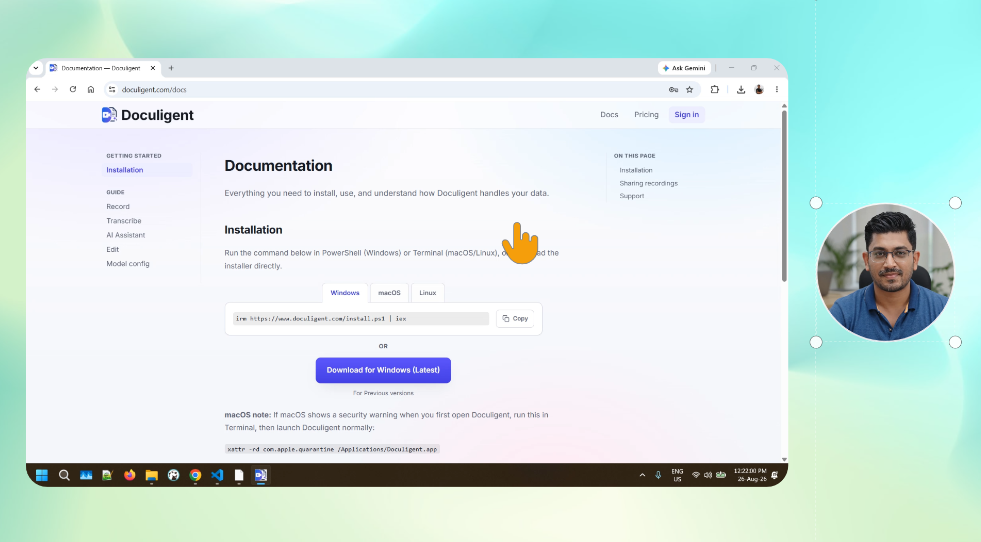
Support Teams Reporting Bugs and Demos
Record your screen with a camera overlay in a single take, at full resolution, and hand off a shareable link.
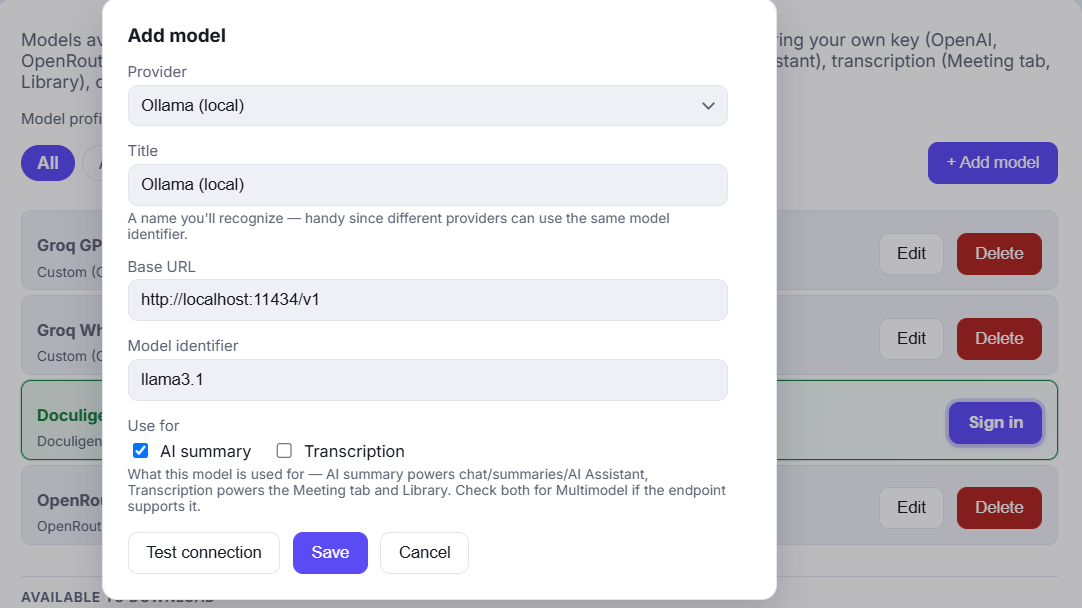
Security-Conscious Teams Controlling Their Own AI Stack
Local LLMs or your own API key — control how the AI layer runs, and keep files and chats on your own device either way.