Support Teams Reporting Bugs and Demos
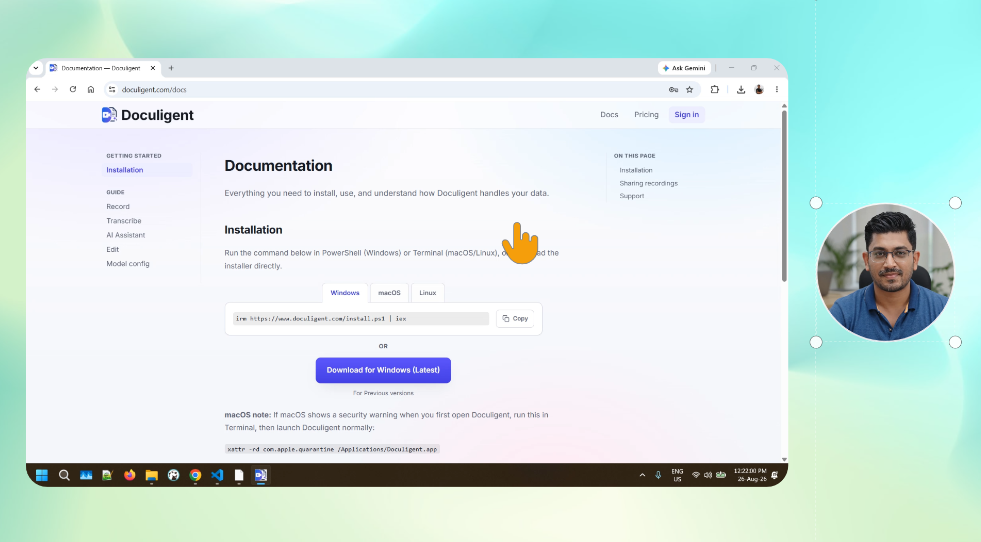
Record your screen with a camera overlay in a single take, at full resolution, and hand off a shareable link.
A support or QA team reporting a bug usually ends up writing a paragraph trying to describe something that would take ten seconds to show. Doculigent's Quick Recording captures screen and camera together in one pass and hands back a shareable link the moment it's done — no export step, no separate uploader.
For anything that needs a bit more polish, Advanced Recording keeps screen, camera, and cursor as separate tracks so the take can be cleaned up afterward and exported at up to 4K and 60fps.
Similar Use Cases
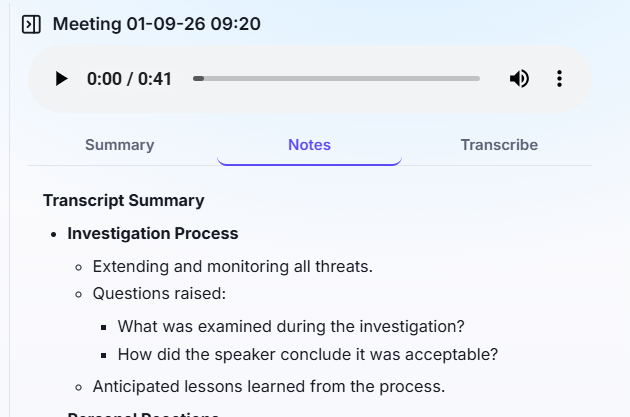
Teams Tired of Writing Meeting Notes
Record a meeting, or drop in a video file, and get a summary and structured notes back automatically — no prompting, no re-watching.
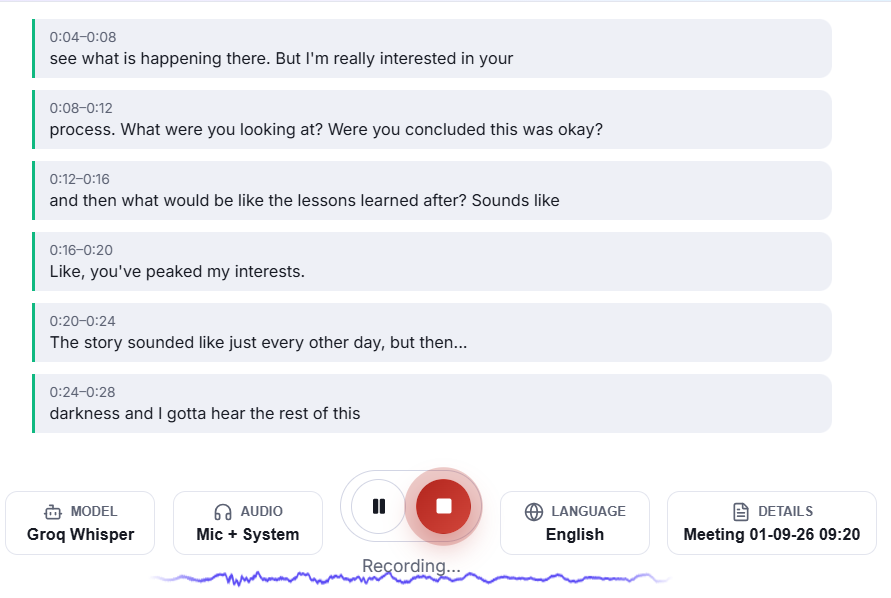
Managers Tracking Meetings They Can't Join
Get a live transcript of a Teams, Zoom, or Google Meet call without sitting in it — read along, or catch up right after.
Customer Stories
Turning hours of interview footage into an instant answer
Coral Reef Studio's researchers were re-watching hours of user interviews to pull quotes for client reports. Doculigent's local transcription and AI chat over recordings turned that into a search, cutting report time from two days to half a day.
4x more onboarding videos, without hiring an editor
Harbor Learning's customer success team spent hours per tutorial stitching together screen recordings, zooms, and camera overlays in separate tools. Doculigent's one-take recording with automatic zoom cut production time to 30 minutes a video.