How to Chat With a Recording Instead of Rewatching It

Doculigent's AI Assistant lets you ask plain-language questions about anything in a recording and jumps straight to the moment it happened.
Once a recording has a transcript, you no longer have to scrub through it to find the part you need. Open the AI Assistant, ask a question the way you'd ask a colleague, and it answers and jumps straight to the timestamp the answer came from.
Every question you've asked stays saved in a running list next to the recording — a summary you pulled last week, a list of decisions, a specific number someone mentioned — so it's there to revisit instead of getting re-typed from scratch against the transcript.
The assistant lives on the same screen as the recording and its notes, not in a separate tab, so asking a question and watching the exact clip it answers from is one glance, not a context switch.
Related Posts

How One B2B SaaS Founder Used Genuine Influencer Marketing to Reach 10 Paying Customers Organically
No customer database, no audience, and every personal contact already asked. How one founder used niche creators on Amplibee to go from 2 to 10 paying customers — with no ads and no bought engagement.

Why Cross-Posting Tools Like Postiz and Hootsuite Aren't Enough to Grow Fast
Schedulers like Postiz and Hootsuite are great at distributing posts to the audience you already have. Fast growth needs new, real audiences — which is where genuine influencer marketing comes in.
Related Use Cases
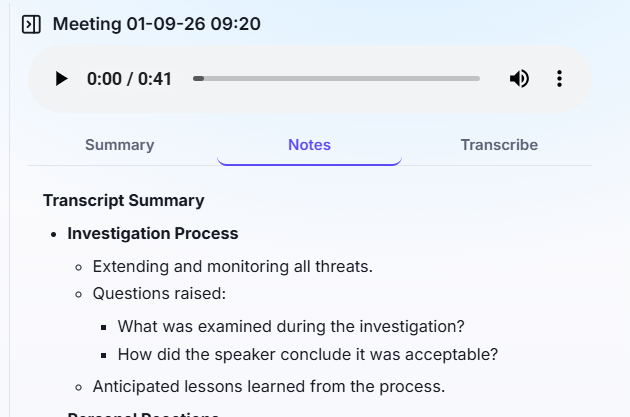
Teams Tired of Writing Meeting Notes
Record a meeting, or drop in a video file, and get a summary and structured notes back automatically — no prompting, no re-watching.
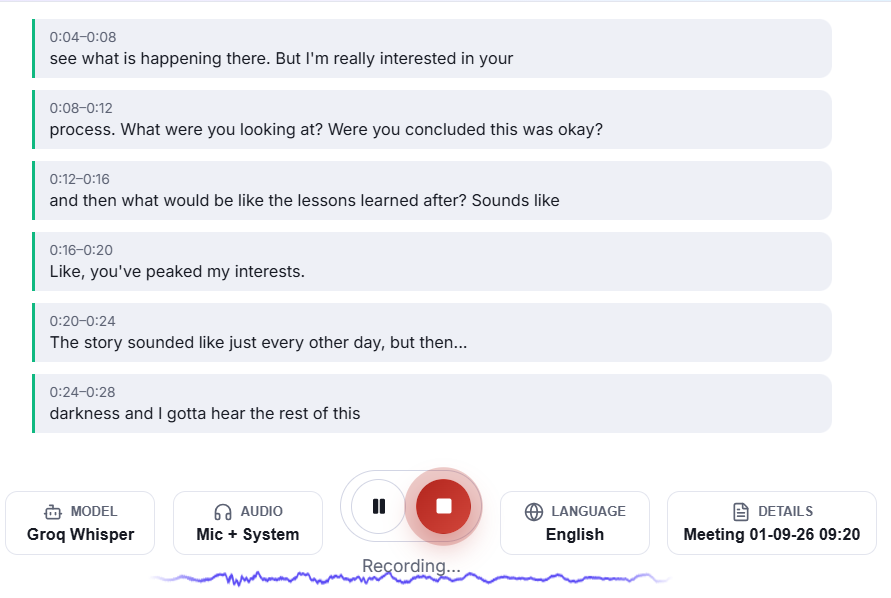
Managers Tracking Meetings They Can't Join
Get a live transcript of a Teams, Zoom, or Google Meet call without sitting in it — read along, or catch up right after.