Loop Engineering: The Next Evolution Beyond Prompt Engineering
From prompt engineering to agent engineering — and now to loop engineering
What Industry Leaders Are Saying
Peter Stenbeiger (creator of OpenClaw), Boris Cherny (creator of Claude Code), and Addy Osmani (Director of Google Cloud) have all pointed to the same shift: the era of writing prompts yourself is ending.
"They have moved away from feeding AI with prompts, to building AI agents that prompt on their behalf."
— Boris Cherny, Claude Code creator
"The days of directly prompting generative AI coding tools are kind of over, or at least some think it's going to be."
— Addy Osmani, Director of Google Cloud
What Are Loops?
Since ChatGPT launched in 2022, the AI workflow has evolved in three stages:
- Prompt engineering — crafting the right words to get the right output
- Agent engineering — building agents that act on your behalf
- Loop engineering — designing recurring systems that guide agents so you don't have to
A loop is a recurring system that guides AI agents autonomously. For example, a /goal command in Claude Code or OpenAI Codex tells the agent to keep working until a task is done — no prompt required at each step. A loop must be repeated, not just a single call event.
The 5 Components of a Loop
1. Automations — the heartbeat of the loop
Scheduled tasks that run on their own without you triggering them. They do discovery and triage by themselves — scanning for CI failures, summarising new issues, hunting for bugs. You don't go check; the bugs and solutions come to you. You just verify the fix.
2. Worktrees — preventing parallel chaos
When multiple agents work simultaneously they can collide by editing the same files. A git worktree fixes this — it's a separate working directory on its own branch, sharing the same repo history, so one agent's edits literally cannot touch another's checkout.
3. Skills — stop re-explaining your project every session
A skill is how you stop re-explaining the same project context every session. Major tools like Codex, OpenCode, and Claude Code all use the same format — a folder with a SKILL.md inside. Think of it as writing your project's conventions and build steps once, in a place the agent reads every single run.
4. Plugins & Connectors — touching the real world
A loop that can only see the filesystem is a tiny loop. Connectors (built on MCP) let the agent read your issue tracker, query a database, hit an API, or drop a message in Slack. This transforms an agent from one that tells you what it would do into one that actually opens the PR, links the ticket, and pings the channel when CI goes green — all by itself.
5. Sub-agents — keep the maker away from the checker
The most useful structural thing in a loop is splitting the one who writes from the one who checks. The model that wrote the code is too lenient grading its own homework. A second agent with different instructions — sometimes a different model — catches what the first missed. One agent explores, one implements, one verifies. This matters especially because the loop runs while you're not watching.
Plus: Memory
The sixth element is memory — a markdown file, a Linear board, anything that lives outside the single conversation and holds what's done and what's next. The model forgets everything between runs, so the memory must be on disk, not in the context.
When to Use a Loop
Right now, loop engineering is mostly focused on agentic coding — but that doesn't mean it's only for software engineers. Managers, designers, and operations teams can all benefit from loops that automate repetitive discovery, triage, and communication tasks.
Loop engineering changes where you leverage your expertise. Instead of spending your time writing prompts, you design the system that generates and manages prompts for you.
When Not to Use a Loop
The biggest concern about loops is, by far, cost. Running multiple agents with sub-agents on the latest frontier AI model is a great way to burn through your personal token budget or raise eyebrows from your boss.
As Addy Osmani points out: build that loop with the mindset of an engineer — someone who designs, improves, and stays in control of the system, not just someone who writes prompts. Don't adopt loops blindly; adopt them where automation genuinely removes friction without ballooning cost.
Recommended Deep Dives

Read Our Blogs
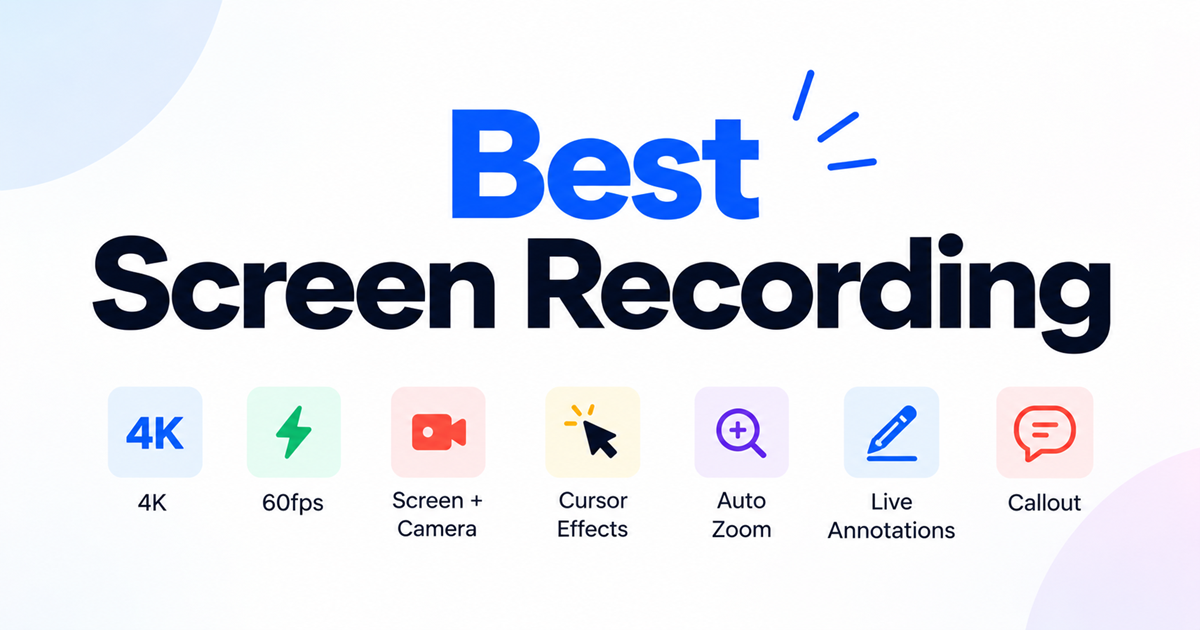
Best Screen Recorder Tools: What to Look For in 2026
What makes a screen recorder good in 2026: recording quality, AI transcription, editing, and privacy — plus a checklist before you choose one.
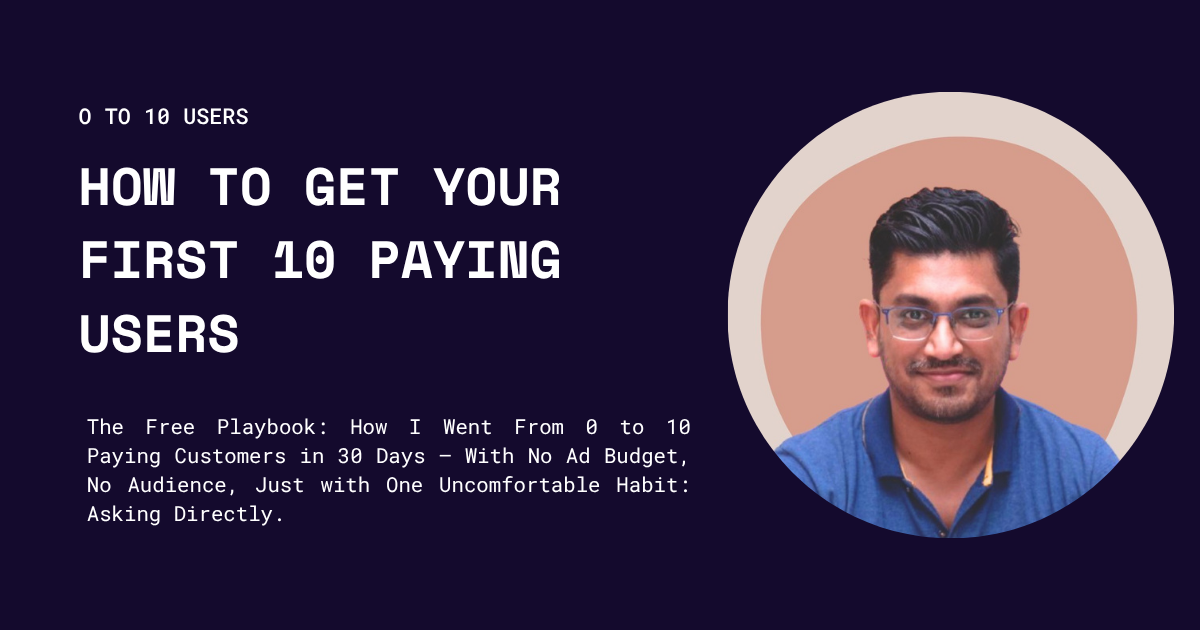
How to Get Your First 10 Paying Users: A Step-by-Step Playbook for B2B and B2C SaaS Founders
Why the first ten matter more than the next ten thousand - and exactly how to find them.