Claude Code Tutorial For Beginners and Non Coders
A complete guide to building apps with Claude Code — from first setup to shipping production-ready features with AI agents, custom skills, and automated workflows.
What is Claude Code?
Claude Code is an agentic coding tool that directly edits files, runs Docker and npm commands, checks build and lint errors, and works across your entire codebase — like a real senior development assistant in your terminal.
The biggest shift is not just faster coding. It's moving from chatting with AI to actually collaborating with autonomous AI agents that can help build and ship applications end-to-end. With AI agents, the turnaround time for building an MVP drops from 2 weeks to 2 days.
Claude Code now works with local open-source models via Ollama, cloud-hosted models, and platforms like OpenRouter — making advanced AI development accessible to almost anyone without expensive subscriptions.
Who This Course Is For
No experience needed
- No coding experience required
- No terminal experience required
- Just curiosity and a willingness to try
- If you can describe an idea, Claude Code can build it
Experienced developers
- 10X productivity multiplier
- Agentic workflows and sub-agents
- CI/CD integration and code review
- Custom skills and MCP servers
Disclaimer:AI can make mistakes. If you know coding, Claude Code increases your productivity by 10X. If you're non-technical, it's more like trial and error — when something goes wrong (security issues, CPU/memory problems), finding and fixing them becomes harder. Claude Code is a senior teammate who helps you move faster — not a replacement for understanding.
What You'll Learn
Setup & Configuration
- Install Claude Code on Windows, Mac, Linux
- Run locally with Ollama (free)
- Connect via OpenRouter (free tier)
- Use default Claude with Pro subscription
Core Commands
- Every key command and what it does
- Context management and compaction
- Checkpoints, rewinds, and branches
- Permission modes and when to use each
Agents & Skills
- Build personalized sub-agents
- Create custom reusable skills
- Run multiple agents in parallel
- Configure per-agent tool access
Integrations
- MCP servers (GitHub, Notion, Slack)
- Hooks for automated workflows
- GitHub Actions CI/CD setup
- Remote control from web and mobile
Setting Up Claude Code
Option 1 — Run Free with Ollama (Local)
Install Claude Code, then install Ollama. Run ollama launch claude and pick a local model. Recommended: Gemma 4:e4b (needs 15 GB RAM, 9.6 GB VRAM) for local use, or GPT OSS 20B via Ollama Cloud for faster responses. Set the Ollama context window to 16k or 32k for best accuracy — the default 4k is too small.
Option 2 — Free Cloud Models via OpenRouter
Get a free API key from OpenRouter and set three environment variables. There are many free models — search "free" in the models list. Note: OpenRouter has higher latency than local Ollama, but no GPU required.
Option 3 — Claude Pro ($20/month)
Best experience with the token window resetting every 5 hours. Type claude, then /login to authenticate. Use /model to switch between Sonnet and Opus mid-session.
Essential Commands Reference
The most important Claude Code commands every developer needs to know. Watch the video for live demonstrations of each one.
/initReads your project and creates a CLAUDE.md memory file with architecture, conventions, and folder structure. Run once so Claude always knows your stack.
/memoryOpens an editor for CLAUDE.md files — project-level, user-level, and directory-specific. Everything here is re-read at every session start.
/modelSwitch which model powers the session mid-task. Move from a cheap fast model to a smarter one when problems get harder.
/effortSet reasoning depth: low, medium, high, xhigh, max. Higher = better accuracy, higher cost. Use low for quick lookups, max for architecture decisions.
/compactCompress conversation history into a summary, freeing context window space. Check usage first with /context. Essential for long sessions.
/rewindInteractive picker for conversation checkpoints. Roll back files + conversation, just conversation, or just code. Like Ctrl+Z for your entire session.
/branchCreates a diverging copy of the conversation at the current point. Explore a risky approach without losing your current state. Return with /resume.
/tasksShows all background tasks running in the session — bash processes, sub-agent jobs. View status, logs, and cancel with X.
/btwAsk a quick question outside the current task. The answer doesn't enter conversation history — zero context cost.
/recapOne-line summary of what the current session accomplished. Instantly re-orient after a long session or context switch.
/simplifySpawns 3 parallel review agents on recently modified files. Applies automatic fixes for complexity, duplicated logic, and inefficient patterns.
/clearReset conversation to blank while keeping CLAUDE.md intact. Previous session preserved and accessible via /resume.
/agentsView, configure, and connect sub-agents. Shows defined agents, their allowed tools, and connection status.
/voiceSpeak your prompts instead of typing. Press space to start and stop recording. Useful for long conversational prompts.
/powerupInteractive lessons that demonstrate Claude Code features you might not know about. Discover the 80% of features most users never find.
Permission Modes
When Claude wants to edit a file, run a command, or make a network request, permission modes control whether it asks for approval. Press Shift+Tabto cycle through modes inside the CLI. The status bar always shows which mode you're in.
Claude asks for approval on every action. Maximum oversight. Best for learning and sensitive codebases.
Claude auto-approves file edits but asks for shell commands. Good balance for feature development and refactoring.
Claude reads and thinks but makes zero changes. Perfect before any task touching multiple files. Golden rule: when in doubt, use plan mode — it costs nothing to think before acting.
Claude approves most actions automatically. Good for long tasks, overnight builds, and CI/CD pipelines.
Claude executes without asking. For headless/automated scripts and batch processing.
Zero safety net — Claude can do anything. Use only inside Docker containers, isolated VMs, or sandboxed dev containers.
Sub-Agents: Your AI Team
A sub-agent is a specialized AI assistant inside Claude Code with its own isolated context window, custom system prompt, and specific tool access. Instead of one AI doing everything, you create a team of focused AIs that work in parallel — one runs tests while another writes code.
Skips CLAUDE.md to keep research fast and cheap. Fires automatically.
Proposes an approach before touching files. Fires automatically.
You define the role, tools, model, and memory scope.
Create a custom agent in 2 ways:
- Run
/agentsinside Claude Code and use the interactive generator - Create
.claude/agents/code-reviewer.mdmanually with name, description, tools list, and model
To invoke: @"code-reviewer (agent)" or use /agents and select. Run multiple agents in parallel: claude --agent frontend-dev --bg "add admin page"
Custom Skills: Reusable Instructions
A skill is a reusable instruction file that teaches Claude how to do something specific, loaded only when needed. Unlike CLAUDE.md (always in context, always costs tokens), skills load their body only when invoked — you can have 50 detailed skills installed with near-zero token cost until you actually use one.
Built-in Skills
/simplify— code quality review with 3 parallel agents/batch— decompose large changes into parallel tasks/debug— analyze session logs for root causes/loop— run a prompt on a recurring interval/security-review— injection and auth vulnerability scan/fewer-permission-prompts— auto-approve safe commands
Build Custom Skills
- Create
.claude/skills/skill-name.md - Add name, description, and body instructions
- Specify
allowed-toolsfor pre-approved shell commands - Invoke with
/skill-name - Or describe the task — Claude auto-triggers matching skills
Easiest way: Ask Claude to build the skill — "Create a project skill called ship-check that runs git status and git diff, flags edits to legacy files, and outputs a verdict: ship it / fix risks / build broken." Claude reads your CLAUDE.md and writes the skill file directly into .claude/skills/.
Memory System: Knowledge That Survives Sessions
Each Claude Code session starts with an empty context window — it remembers nothing by default. The memory system lets Claude carry knowledge across sessions via CLAUDE.md files you write and auto memory Claude writes itself when it spots something worth remembering.
/etc/claude-code/CLAUDE.mdSet by IT/DevOps. Applies to every user on the machine. Security standards, compliance rules, never-do lists.
~/.claude/CLAUDE.mdYour personal preferences across all projects — language preferences, response style, tool preferences.
./CLAUDE.mdCommitted to version control and shared with the team. Architecture decisions, build commands, naming conventions.
./CLAUDE.local.mdPersonal, project-specific notes. Gitignored. Your sandbox URLs, local test data, personal shortcuts.
any-folder/CLAUDE.mdBest feature. Each subfolder (frontend/, backend/, db/) has its own context. Claude loads only what's relevant to the directory it's working in.
Writing Effective Instructions
Vague (avoid)
"Format code properly"
"Test your changes"
"Keep files organized"
Specific (use this)
"Use 2-space indentation"
"Run npm test before committing"
"API handlers live in src/api/handlers/"
Hooks: Automation at Every Step
Hooks are automated scripts that execute in response to specific events. Think of Claude Code as a chef in a kitchen — hooks are the rules posted on the wall that fire automatically at the right moment, so you never have to remind Claude to run eslint again.
SessionStartFires when the session begins. Load git context, check environment.
UserPromptSubmitFires when you submit a prompt, before Claude reads it. Block bad prompts or inject extra context.
PreToolUseFires before Claude uses a tool. Block dangerous commands like DROP TABLE or edits to build files.
PostToolUseFires after Claude uses a tool. Auto-lint files after every edit, log changes, run validations.
StopFires when Claude finishes responding. Force Claude to run tests before the turn truly ends.
3-Part Hook Recipe: WHEN → IF → DO WHAT?
Exit codes in your script: exit 0 = proceed, exit 2 = STOP and block the action. Register hooks in .claude/settings.json under the hooks key.
MCP Servers: Connect Claude to Everything
MCP (Model Context Protocol) is an open standard — think "USB-C for AI tools." It lets Claude connect directly to GitHub, Notion, databases, Slack, APIs, and cloud services instead of asking you to copy-paste data back and forth.
Without MCP
User → copy logs → paste into Claude → Claude responds → user applies changes manually
With MCP
"Check all failing GitHub Actions in my repo and summarize the root causes" → Claude reads GitHub directly → Done
After adding Notion, type /mcp inside Claude and select Notion to complete browser authentication.
Building a Complete App: Task Dashboard
The video walks through building a complete task manager with stats, filters, and a modern UI using React + Vite + Tailwind + Express + JSON file as DB (no database setup needed).
8 prompts take you from empty folder to a polished, production-style dashboard:
Initialize the project
Claude asks for permission, runs npm install, and creates node_modules automatically.
Set up Tailwind
Creates tailwind.config.js and updates src/index.css.
Build the backend
Express API with all required endpoints and lowdb for file-based storage on port 3001.
Build the layout
Responsive sidebar navigation and dynamic page titles on port 5173.
Build the dashboard page
KPI row showing Total Tasks, In Progress, Completed, and High Priority.
Build the tasks page
Filters, search, and the full interactive task list.
Polish the UI
Gradient backgrounds, hover animations, and fade-in transitions for a smooth, professional result.
Add a hook for API errors
Claude creates check-api.sh, detects the settings JSON structure is wrong, and automatically corrects it.
Checkpoints & Rewinds
Every time you send a message, Claude quietly takes a snapshot of your files before touching anything. Press Esc twice (empty prompt) or run /rewind to open the checkpoint menu.
Restore code and conversation
Full undo — files and chat go back. That message never happened.
Restore conversation only
Chat goes back, code stays. Conversation went off-track but the code changes were fine.
Restore code only
Files revert, chat history stays. Re-read what was discussed but start the code fresh.
Summarize from here
Compress everything from this point forward into a short summary. Keep early setup instructions intact.
Summarize up to here
Compress early back-and-forth, keep recent work intact.
Limitation: Bash commands like rm, mv, and cp are blind spots — those changes cannot be rewound. Checkpoints only track direct file edits made through Claude's file editing tools. Think of checkpoints as local undo and Git as permanent history.
GitHub CI/CD Integration
Set up Claude Code as an automated code reviewer that fires on every pull request. Violations appear as inline annotations on changed files pointing to the exact lines.
Generate long-lived token
Run claude setup-token, authenticate in browser. Token valid for one year using your Pro subscription.
Add to GitHub Secrets
Repo → Settings → Secrets → Actions → New secret. Name: CLAUDE_CODE_OAUTH_TOKEN.
Install Claude GitHub App
github.com/apps/claude → Install → select your repo. Grants Claude permission to read code and post PR annotations.
Add workflow file
Create .github/workflows/claude-review.yml. Open a PR from any branch — the workflow fires automatically.
Managing Context & Cost
Run /usage regularly
See token usage, estimated cost, and session stats before you hit a rate limit mid-task.
Clear between unrelated tasks
/clear after each completed feature. Earlier task context bleeds into new tasks and wastes tokens reprocessing irrelevant history.
Move instructions into skills
Keep CLAUDE.md under 200 lines. Detailed workflow rules belong in on-demand skills, not loaded every single session.
Write specific prompts
"Fix frontend/src/pages/TasksPage.jsx line 34" beats "fix the bugs." Specific prompts mean fewer file reads and far less token waste.
Switch models mid-session
Use Sonnet for most coding tasks, Opus only for complex architecture decisions. Use /effort low for simple lookups.
Custom compact instructions
Add to CLAUDE.md: "When compacting, focus on code changes and API response shapes. Drop conversational back-and-forth."
Best Practices for Beginners
Follow this 6-step habit on every feature to get clean, correct, rule-following results from Claude Code:
git commit before starting
Your safety net. Claude can edit 100 files at once. If something breaks: git checkout . undoes all file changes instantly. Commit before every Claude session.
Shift+Tab → plan mode before building
Catch misunderstandings before Claude writes 200 lines in the wrong direction. Redirecting a plan takes 5 seconds; undoing wrong code takes 5 minutes.
Use @ to reference files directly
@frontend/src/api/taskApi.js the getById function returns null sometimes — why? Faster and more accurate than explaining where files live.
Ask Claude to build modularly
When something breaks in a 500-line file, LLMs hallucinate and modify code you didn't want changed. Break files under 200 lines — ask Claude to do the splitting for you.
Review mode before finishing
"Before we finish — switch to review mode. Check everything you just built: no class components, no inline styles, no fetch() inside components. List violations, then fix them."
git commit when done
Lock in the good state. If the next Claude session breaks things, you have a clean rollback point ready.
Ready to build faster with AI?
Watch the full video tutorial above to see every command, agent, skill, and hook in action. Real code, real apps, real workflows — from a beginner setup to a production CI/CD pipeline.
Watch the Full TutorialRecommended Blogs
Read Our Blogs
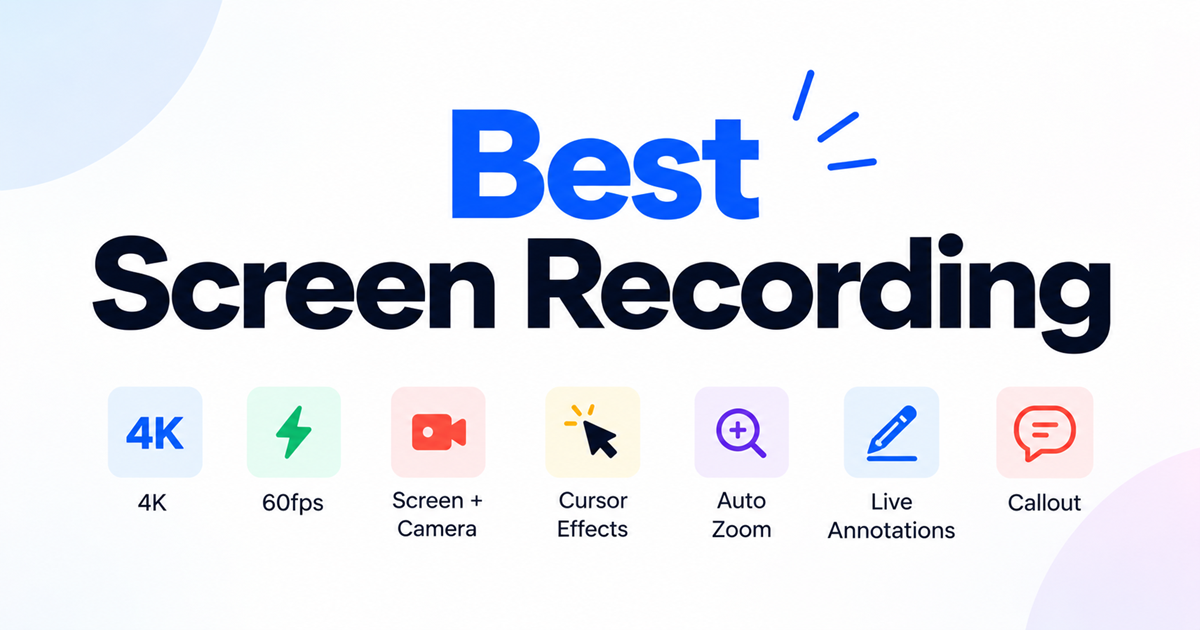
Best Screen Recorder Tools: What to Look For in 2026
What makes a screen recorder good in 2026: recording quality, AI transcription, editing, and privacy — plus a checklist before you choose one.
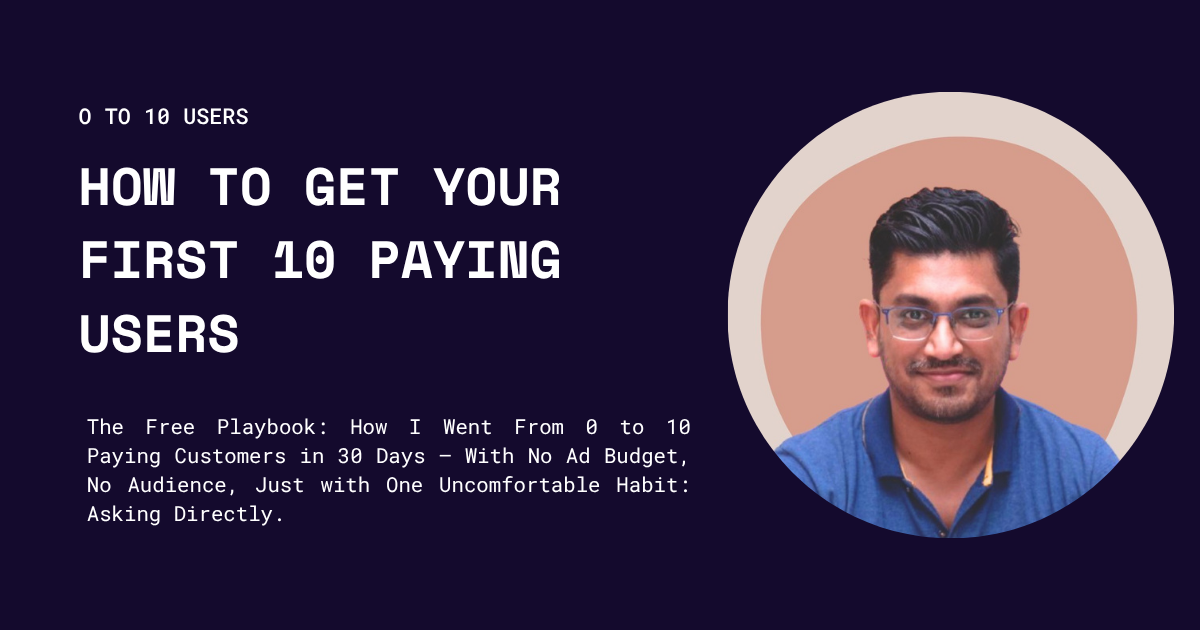
How to Get Your First 10 Paying Users: A Step-by-Step Playbook for B2B and B2C SaaS Founders
Why the first ten matter more than the next ten thousand - and exactly how to find them.