Claude Code Best Practices: A Non-Coder's Guide
Turn an idea into a real, working Android app — with zero coding experience.
You've probably seen how Claude Code or Codex can build an entire app, and you already know how important Git is. But there are some best practices that actually help you build it right. This guide breaks the whole journey into six clear phases — so you stay in control even without a technical background.
Phase 1 — Idea & Planning
Before Claude writes a single line of code.
Write your idea in plain English first
Describe what the app does, who it's for, and what the main screens are. Claude Code works far better when it understands the goal — a clear vision prevents it from building the wrong thing.
Break the app into small features
Instead of "build me a fitness app," think "a screen to log workouts," "a screen to see history," "a profile page." Small chunks are easier to build correctly and easier for you to test.
Ask Claude to explain the tech choices before building
Ask "what language, tools, and structure will we use, and why?" As a non-coder you need to understand the foundation. Android apps typically use Kotlin (or Java) and a tool called Android Studio.
Don't
- Don't skip planning and jump straight to "build my app" — you'll get a tangled mess you can't understand or fix.
- Don't assume Claude knows your full vision from one sentence. Vague input produces vague output.
In short — ask Claude to turn your idea into a proper plan file:
"Here's my app idea. Turn this into a clear project plan —
break it into features and screens, and suggest the tech we'll use."
And ask Claude to create a CLAUDE.md file:
"Create a CLAUDE.md that summarizes this project, the tech stack,
the coding conventions, and the key rules to follow."
Without it, Claude can forget context between sessions. With it, every session starts already knowing your project.
Phase 2 — Setting Up Your Environment
- →Let Claude walk you through installing the tools (Android Studio, the SDK, plugins, imports) step by step. A correct setup is the single biggest source of beginner frustration — getting it right once saves hours.
- →Ask Claude to verify each step worked ("how do I confirm this installed correctly?"). Catching a setup problem early is far easier than discovering it after 10 features.
- →Use version control (Git) from day one. Ask Claude to set it up and explain it simply — Git is a "save point" system. If something breaks, you can roll back. This is your safety net.
- →Don't ignore error messages during setup. Paste them to Claude immediately — errors compound, and an ignored setup error can silently break everything later.
Phase 3 — Building (Idea → Working App)
- ✓Build and test one feature at a time. Finish the login screen, run it, confirm it works, then move on — if something breaks you know exactly which change caused it.
- ✓Run the app frequently (on the emulator or your phone).
- ✓Ask "what does this code do?" when you're unsure. You don't need to become a programmer, but understanding the rough structure helps you give better instructions.
- ✓Commit to Git after each working feature. Each commit is a checkpoint you can safely return to.
The good news for a non-coder: it's only 2 commands you repeat every time.
# After you finish the login screen
git add .
git commit -m "Add login screen with email and password"

# After the workout logging screen
git add .
git commit -m "Add workout logging screen"
When a change goes wrong:
git checkout .          # discard uncommitted changes
git log --oneline       # list every checkpoint you've made
git checkout <commit-id> # jump back to a known-good checkpoint
Keep a running TODO.md
Long projects drift. A checklist keeps you and Claude aligned across sessions. Ask Claude: "Create a TODO.md that lists every feature, marked as done, in progress, or not started." A typical one looks like:
✅ Login screen
✅ Workout logging screen
⌛ Workout history screen (in progress)
⬜ Profile page
⬜ Settings
Don't
- Don't paste huge vague requests like "add user accounts, payments, notifications, and chat." Go feature by feature.
- Don't blindly accept every change without testing. Always run it.
- Don't keep layering new features on top of a broken one. Fix it first.
- Don't store passwords, API keys, or secrets directly in the code. Ask Claude the safe way to handle these — leaked secrets cost money and cause breaches.
Phase 4 — Testing & Polishing
- →Test on different screen sizes and an older Android version. What looks perfect on one device can be broken on another.
- →Ask Claude to help write automated tests for important features, so bugs are caught automatically when you change things later.
- →Test the unhappy paths — no internet, empty fields, wrong input. Real users do unexpected things.
- →Ask Claude to review for performance and security before release. A slow or insecure app gets uninstalled and reviewed poorly.
Ask Claude something concrete, like:
"Write an automated test for the calorie-total feature. It should
check that when I log a 200-calorie workout and a 300-calorie
workout, the daily total comes out to 500."
@Test
fun dailyTotal_addsCaloriesCorrectly() {
    val tracker = CalorieTracker()
    tracker.logWorkout(200)
    tracker.logWorkout(300)
    assertEquals(500, tracker.getDailyTotal())
}
The assertEquals(500, ...) line is the check. If the app returns 500, the test passes. If it returns anything else, the test fails and flags the bug. Six months from now, if a change accidentally breaks the math, this test instantly turns red — instead of you manually logging two workouts and eyeballing the total every time.
After Claude writes tests, just say "run the tests" and Claude Code runs them all in seconds. Green means everything still works; red points you to what broke.
Don't
Don't treat "it runs on my phone" as "it's done." Your single device is not representative of all users.
Phase 5 — Releasing to the Play Store
- →Ask Claude to explain the release process — signing your app, creating a Play Console account, preparing screenshots and descriptions. Missing a step gets your app rejected.
- →Create a privacy policy if your app collects any user data. Google requires it, and it's a legal obligation.
- →Release a small test version first (internal or beta) before going public.
- →Don't rush a public launch without a test phase. Early reviews are hard to recover from.
Phase 6 — Monitoring & Maintenance
After launch.
- →Set up crash reporting (Claude can help add tools like Firebase Crashlytics). You need to know when the app crashes for real users — you won't see it otherwise.
- →Watch your reviews and crash reports regularly. They tell you exactly what to fix next, straight from real usage.
- →Keep the app updated for new Android versions and security patches. Ask Claude periodically "is anything outdated or insecure?"
- →Keep using Git and test before every update. Your safety net still matters after launch — don't push updates straight to all users without testing.
A Few Universal Principles
Treat Claude as a partner, not a vending machine
The more context you give, the better the result.
Understand enough to ask good questions
You don't need to code, but knowing roughly why things work helps you steer.
Save often, test often, go slow
This trio prevents 90% of beginner disasters.
When stuck, share the exact error
Claude can usually diagnose a problem instantly from the actual message.
Since you're building hands-on with code, a quick note: Claude Code runs in your terminal and can directly create and edit files in your project — ideal for this kind of work.
Recommended Blogs
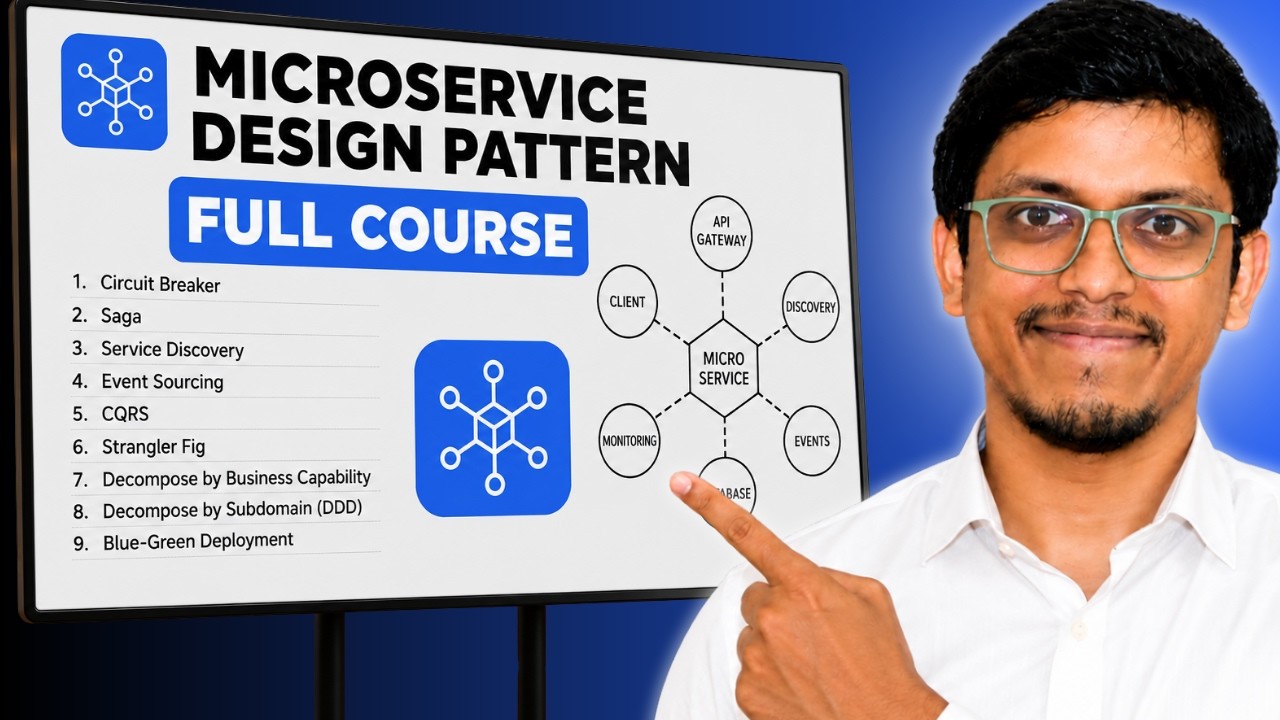
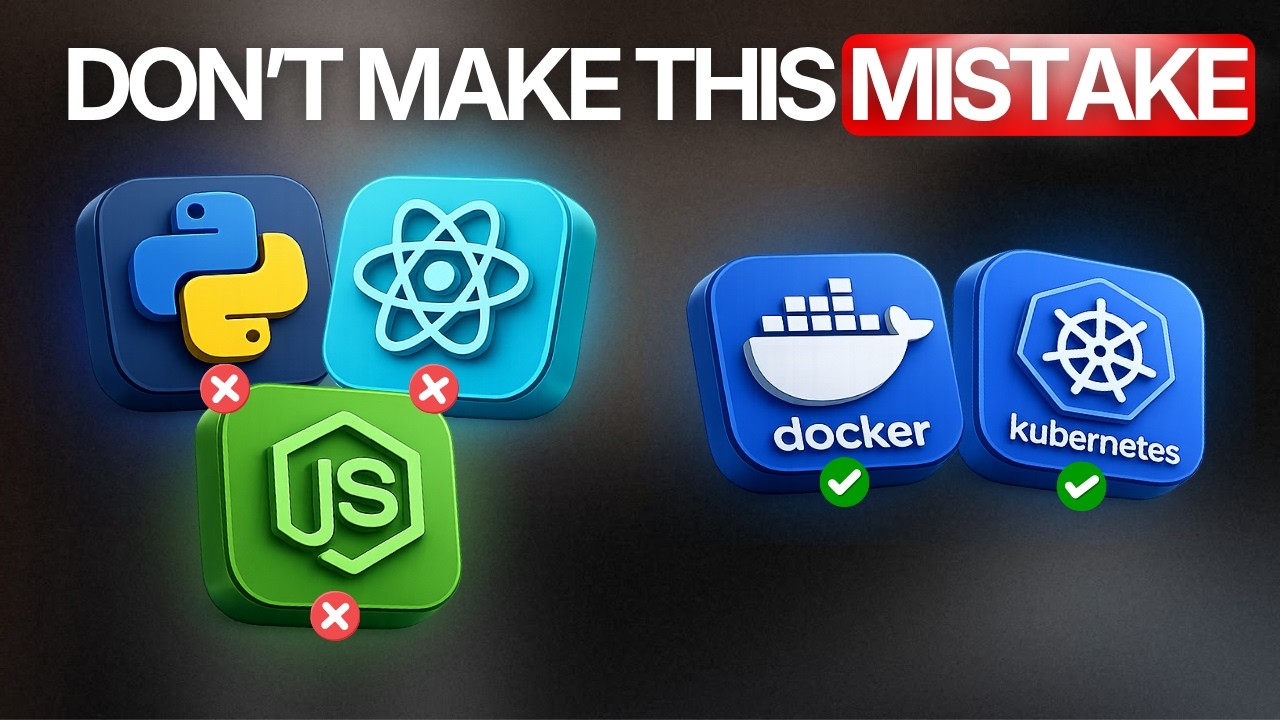
Read Our Blogs
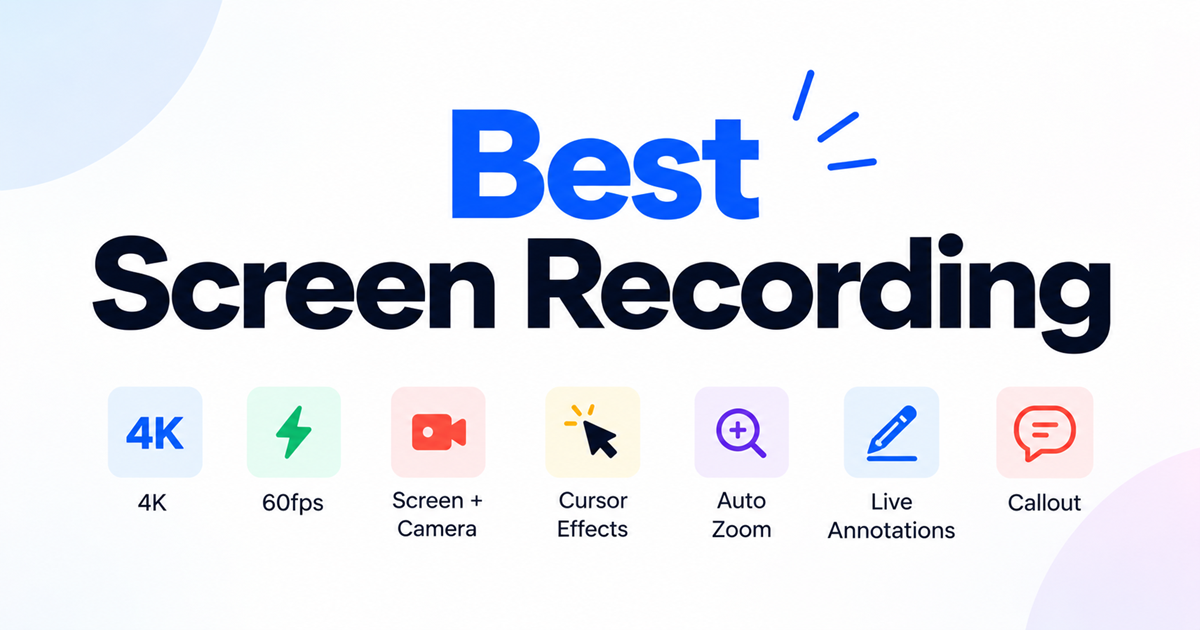
Best Screen Recorder Tools: What to Look For in 2026
What makes a screen recorder good in 2026: recording quality, AI transcription, editing, and privacy — plus a checklist before you choose one.
How to Get Your First 10 Paying Users: A Step-by-Step Playbook for B2B and B2C SaaS Founders
Why the first ten matter more than the next ten thousand - and exactly how to find them.